Installing LaunchPad
Installing LaunchPad
Installation is straightforward. If you have confirmed the requirements, this step takes less than five minutes.
Installing from the marketplace
In Jira, go to Apps → Explore more apps and search for LaunchPad. Alternatively, open the Marketplace listing directly. Click Install and wait for the confirmation. The installation normally completes within one minute.
We recommend deploying your first service model before making large structural changes, so you can evaluate the baseline design first. LaunchPad works with existing environments and Assets schemas: it creates new structure rather than rewriting yours, and you can link a deployment to object types you already have, or expand a service model you have already deployed.
What happens during installation
LaunchPad does not modify any existing spaces, workflows, or data. It prepares the service models, relationship definitions, and standardised object structures that you will deploy in the next step.
No data is imported automatically. Your existing Jira environment remains exactly as it was. The app simply makes its service models available for deployment.
After installation
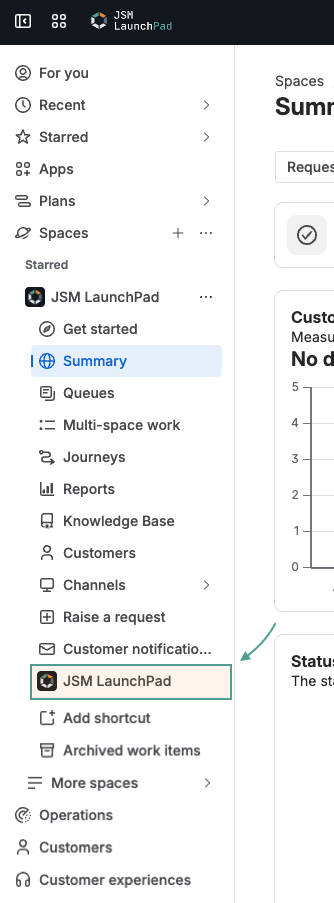
Once the installation finishes, navigate to Apps → LaunchPad in Jira. This opens the app on the home dashboard, where you decide what you want to do first. Cards group the main jobs: run Environment Analysis to scan your Jira environment for recommended starting points, Install Service Model to browse the catalogue and deploy a structure, or open Activity to see recent imports and exports.
You are now ready for your first launch.