Asset Sync
What it does and does not do
What it does and does not do
Scope matters. This page is deliberately honest about the boundaries, so you know what you are installing before you install it.
What it does
- Imports Assets objects into Google Sheets™. Pick a schema, pick object types, narrow the set with a simple filter or your own AQL, and the objects land as rows in your spreadsheet.
- Lets you choose the columns. Every attribute you tick becomes a column. The object key is always the first column and links to the object in Assets.
- Offers the raw API fields as opt-in columns. Object ID, object type ID, schema ID, label, object URL, plus attachments and linked tickets. All off by default, appended after your attributes when you want them.
- Remembers every report. Each report keeps its schema, filter, columns, and destination. Refreshing reruns the same definition against current data.
- Writes where you tell it. Into the spreadsheet you are working in, or into another spreadsheet by URL. A multi-type report can land in one merged tab or a tab per object type.
- Replaces or appends on refresh. Your choice per report: rewrite the tab each time, or add the new rows under the old ones.
- Reads as you. You connect your own Atlassian account, and the add-on sees exactly the schemas that account can see. There is no service account with wider access than yours.
What it does not do
- It does not write back to Assets. The import is one-way. Editing a cell changes your sheet and nothing else.
- It does not refresh in the background. There is no schedule and no sync running while you sleep. You refresh a report yourself, from the reports list, and the data is exactly as fresh as your last click. Refresh is a button you press.
- It does not go around permissions. The add-on holds no data of its own and grants no access you do not already have. If your Atlassian account cannot see a schema, neither can the add-on.
- It does not let hand-written AQL wander. A query you type in AQL mode only ever runs against the schema you picked in the wizard. It cannot pull objects from another schema by accident.
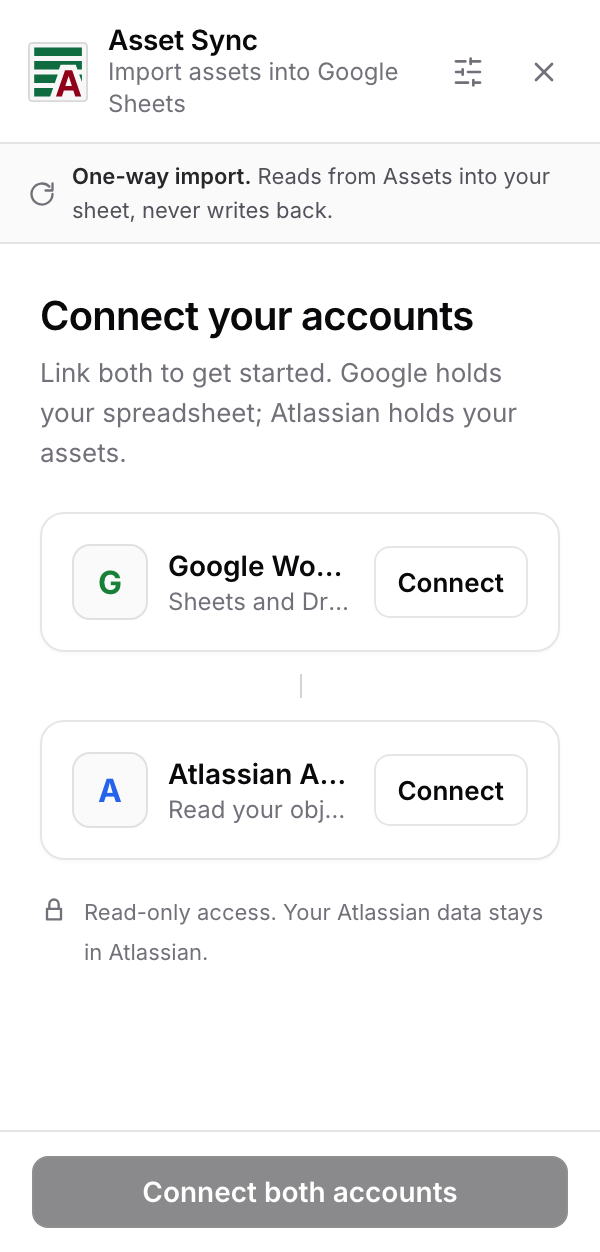
The word "Sync", and what it means today
The product is named Asset Sync. "for Google Sheets" says where it runs and is not part of the name. Version 1 is a one-way import that you refresh by hand. We would rather say that plainly than let the name promise a live two-way link. What the name describes is the job the add-on does today: it brings a sheet back into step with Assets, on demand, using the report definition you saved. Until a feature is in the app, you will not find it claimed in these pages.
Where to next
How it works: what happens when a report runs, in plain language.
Google Sheets™ is a trademark of Google LLC.